Making Your First R Package 📦

SORTEE 2023
Eric R. Scott

Communications & Cyber Technologies, University of Arizona

Why make an R package?

  • You find yourself copying and pasting code from one project to another

  • You have data set you want to document and share

  • Your R code will be helpful for others doing similar analyses and you want to share

What makes an R package?

  • DESCRIPTION

    • Metadata

    • Dependencies & requirements

  • R/ folder with .R files containing functions

  • Data (optional)

  • Documentation

Overview

In the workshop today we will:

  1. Make an R package with a function, a data set, documentation, and more!
  2. Put that package on GitHub so it can be installed by others
  3. Add unit tests and set up automated testing with GitHub actions
  4. Give you the resources to learn more

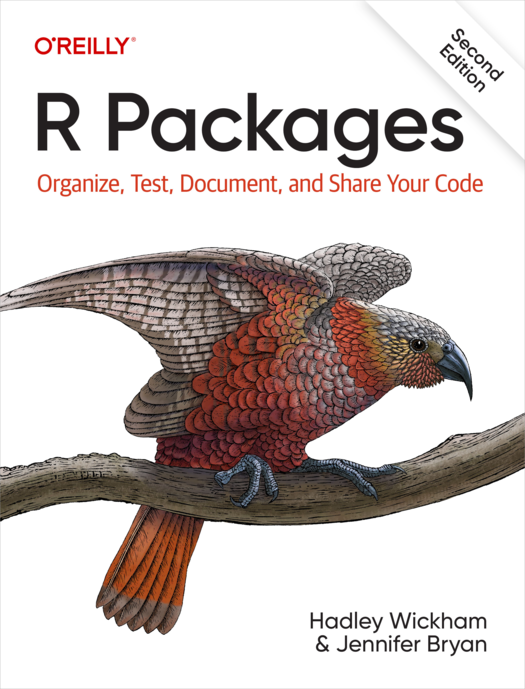
Cover of R Packages book by Hadley Wickham.  An eagle perches on top of the title block

R Packages (2e) goes into more detail on just about everything we’ll cover today and more!
Cover image for rOpenSci Packages book

rOpenSci is a great organization that supports development of R packages. Their book is another great resource to learn more.

Naming your package

  • Short, no spaces hyphens or underscores

  • Should reflect what the package does to some extent

  • Shouldn’t be the name of an already existing package

Tip

Check for availability of package names with the available package

Note

Today we are making a toy package, so your package name doesn’t need to follow these suggestions!

Making a New Package

There are several ways to go about making a new R package that can be shared. We’re going to go with the “local first” method today:

  1. Create a new package on your computer
  2. Edit template files and add some basics
  3. Upload and connect that package to a GitHub repository

Git and GitHub

  • We will be using git and GitHub in this workshop in it’s simplest ways

  • Git is a “version control” software that will let you track changes to files and “push” those changes to GitHub

  • GitHub is a website for hosting code “repositories” and it will be how people can find and install our R package

Tip

Check out Andrew Antaya’s session Collaborating on code with GitHub on Wednesday (track B)!

Needed packages

library(devtools)
## if this errors, you may need to install devtools with:
# install.packages("devtools")

devtools is a “meta package”, kind of like tidyverse. One of the packages it loads is usethis, which we will be using extensively today.

One-Time (Per Computer) Setup 🛠️💻

Check for git

Check that RStudio knows where git is on your computer. Go to Tools > Global Options… and select the Git/SVN option.

Make sure the checkbox is checked and there is something in the “Git executable” box

Installing git

If there is nothing in the git executable box, it is possible you need to install git on your system:

macOS

In terminal:

xcode-select --install

Windows

Download the installer here: https://gitforwindows.org/

Let’s Get Started!